When an order doesn't reach Merit Aktiva, sild tells you why and how to fix it. Here's where to look and what to do.
Needs attention
Everything that needs you is in sild · Merit Aktiva → Overview, in the Needs attention card. The number of issues also shows next to the sild · Merit Aktiva menu item. Every row has a button that takes you to the fix.
- Orders didn't reach Merit Aktiva: review them. Each one shows what went wrong and how to fix it.
- VAT rates don't match or VAT rates have no Merit Aktiva rate: fix the mapping. Invoices with that rate wait and go out after the fix.
- No Merit Aktiva rate for untaxed lines: choose it in Settings → VAT rates.
- No Merit Aktiva payment method for …: set a method or the default row. Until then invoices are created unpaid.
- Merit Aktiva no longer accepts the API key or Merit Aktiva refuses API access: see below.
- Order updates didn't reach sild: the site can't reach the sild service. Check your firewall or security plugin, then click Retry delivery.
- Orders held by the plan limit: they sync automatically after an upgrade or next month. No order is lost.
- Invoices changed in Merit Aktiva after sild made them: check with your accountant that this was meant to happen.
- … is still creating invoices: another Merit Aktiva plugin is invoicing too. Turn it off.
Send an order again
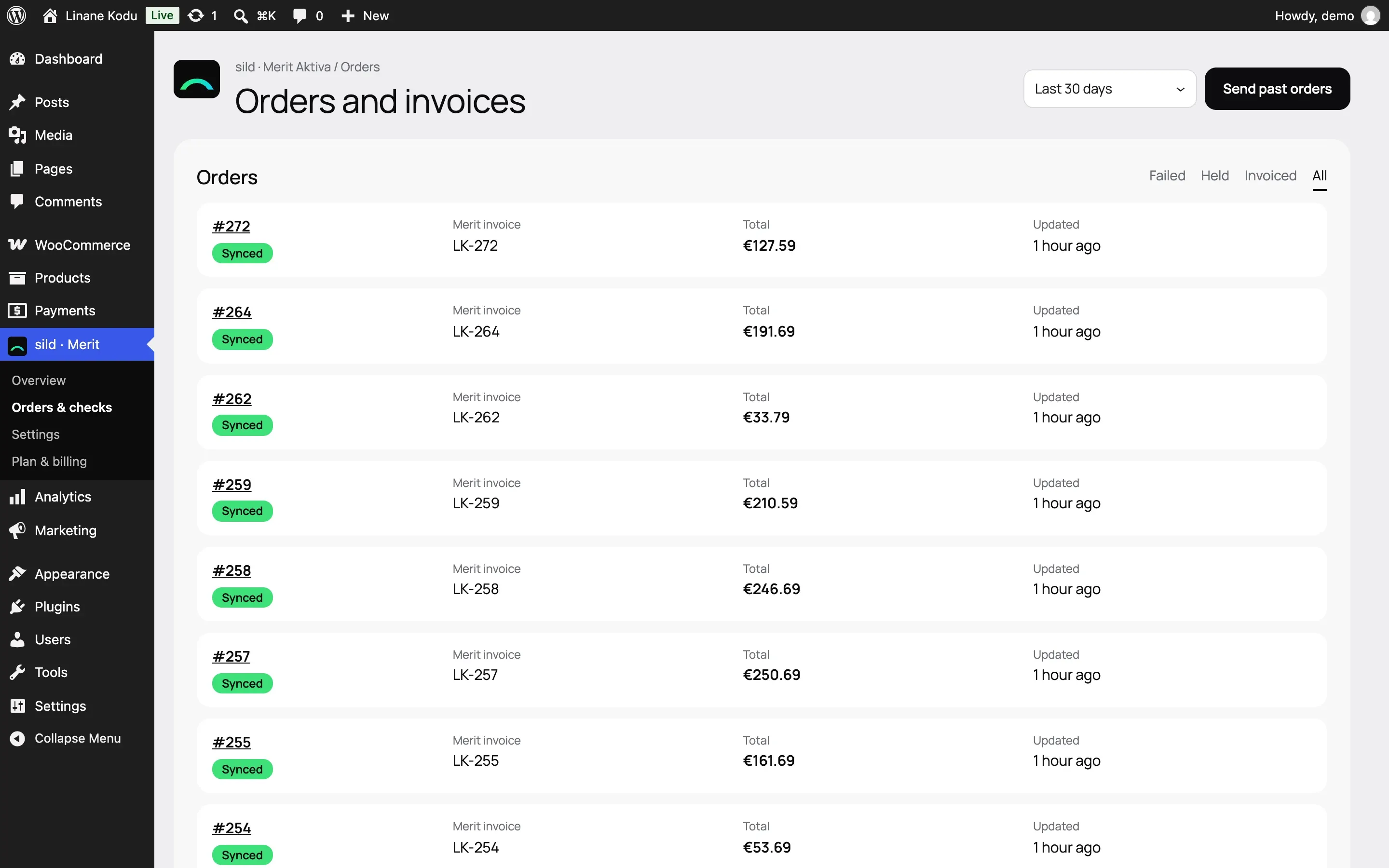
- One failed order: in Orders & checks, filter by Failed. Each row shows the Problem with the reason and a hint. Click Retry.
- From the order screen: in the sild · Merit Aktiva box, click Retry (or Send now if the order was never sent). Or choose Order actions → Send to Merit Aktiva again.
- Several orders at once: tick them in the WooCommerce order list and choose the bulk action Sync to Merit Aktiva.
- A longer period: open Orders & checks → Send past orders.
Sending again never makes a double invoice: before creating one, sild looks in Merit Aktiva for an invoice with the same number.
Common Merit Aktiva errors
"Ridade summa ei võrdu arve summaga" (the row totals don't match the invoice total). sild works out totals and rounding the same way Merit Aktiva does, so this error shouldn't appear. If it does:
- Open Preview on the order screen and compare the WooCommerce total, the Merit Aktiva total and the rounding.
- Check the VAT rate mapping: does the line have the right rate?
- Still unclear? Send Diagnostics to support (see below) with the order number.
Closed period. The order says the document date is in a closed accounting period in Merit Aktiva. sild checks this before sending, so nothing half-done gets through. Open the period in Merit Aktiva (Settings → Financial settings), or choose Settings → Invoices → Invoice date → Date of sync. Then click Retry.
Merit Aktiva no longer accepts the API key. The key was deleted or changed. Create a new one in Merit Aktiva and enter it in Settings → Connection → Update API keys. Syncing is paused until then, but orders wait and none are lost.
Merit Aktiva refuses API access. Your licence no longer includes the API. You need the Pro or Premium package. Once you've changed it, click Settings → Connection → Test connection.
"Tasutud arvet ei saa kustutada" (a paid invoice can't be deleted). The invoice of a cancelled order is already paid in Merit Aktiva. Delete the payment there first, or choose Settings → Invoices → When an order is cancelled → Always create a credit note.
Diagnostics for support
- Open Settings → Connection and click Diagnostics. The same button is in the setup wizard.
- Click Copy or Download .txt.
- Send the report to [email protected], and tell us what happened and with which order.
The report holds versions, the connection, queues, mappings and recent errors. It holds no keys and no customer details.
Done! That's all we need to start looking into it.